EarwigLive Translation

Subtitle and translate anything you hear.

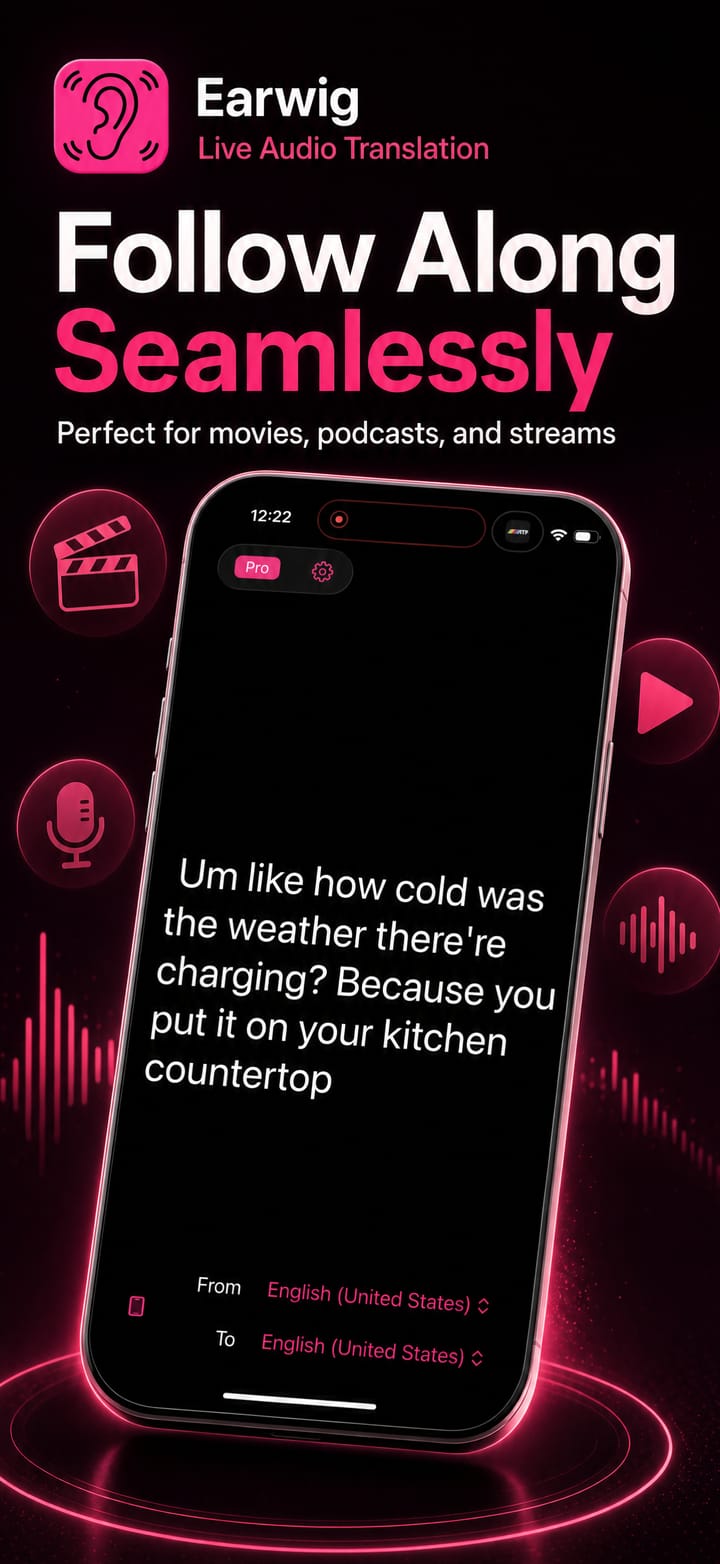
Earwig listens to audio from any app on your device and turns it into live subtitles, then translates them on the fly. Follow a foreign-language video, meeting or podcast with clear captions in the language you understand.

iOSmacOSUniversal purchase
Real-time subtitlesTranslate any app's audioOn-device AI
Features

Everything you need, nothing you don't.

Earwig is focused, fast and refined, built to do one job beautifully.

Live subtitle generation

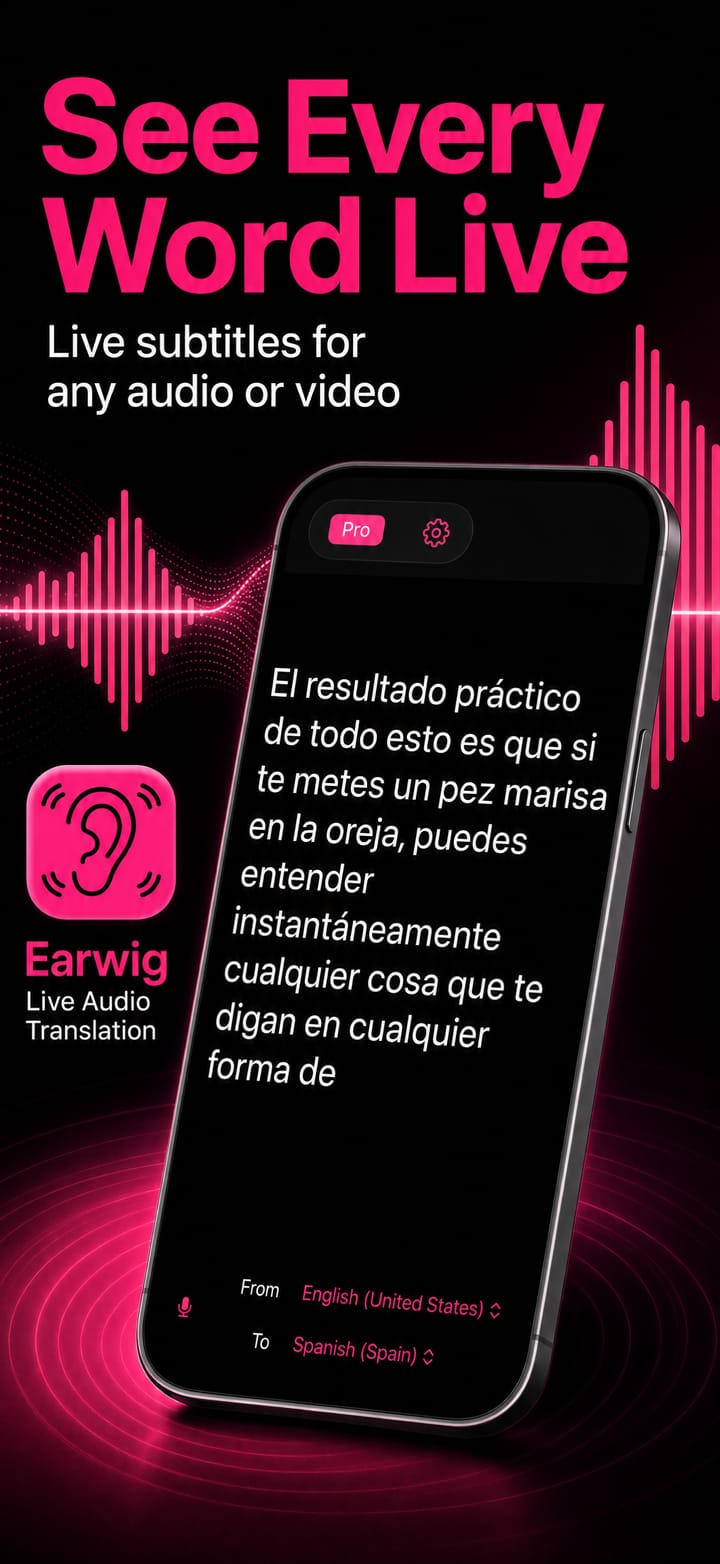
AI speech recognition turns spoken audio into clean, real-time captions.

On-the-fly translation

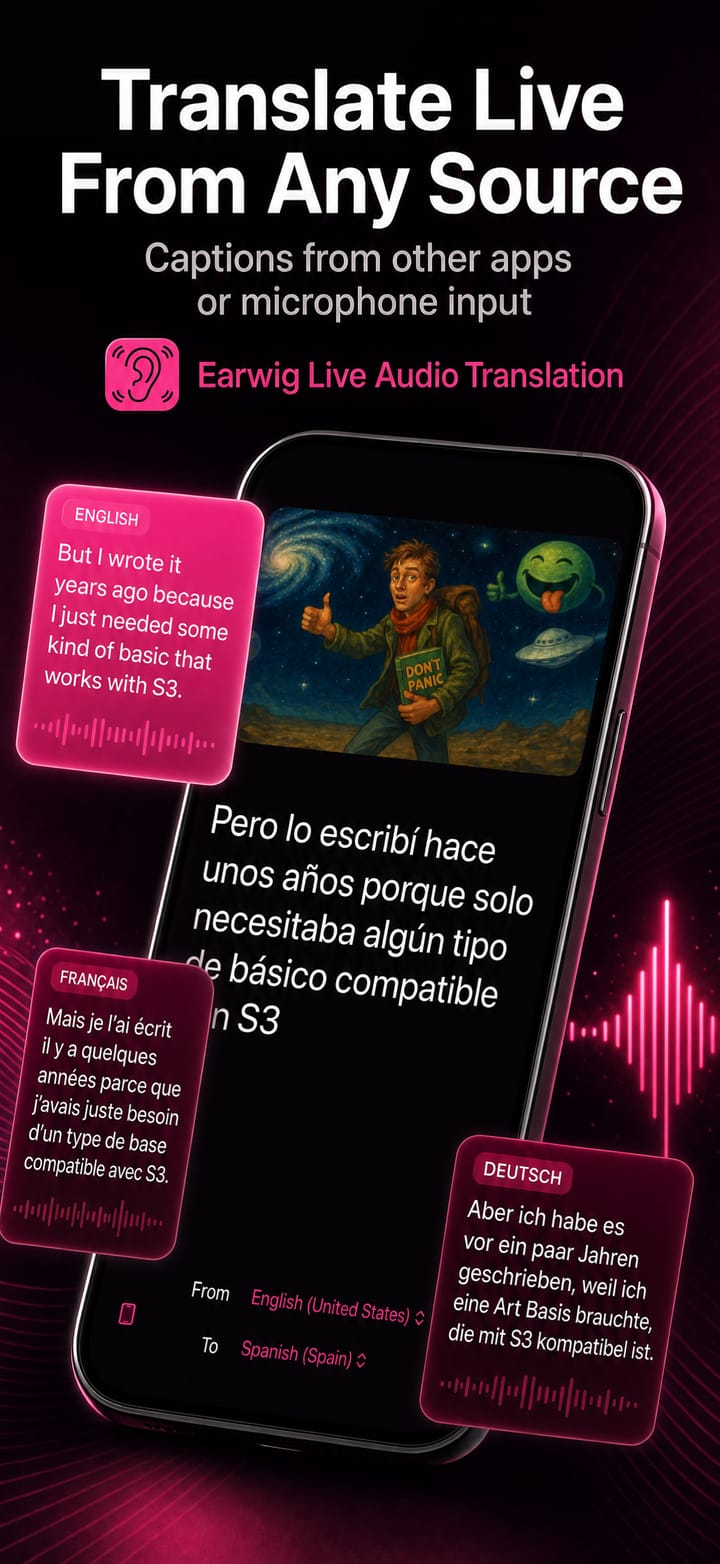
Translate what you hear into the language you read, as it happens.

Audio from any app

Capture and subtitle audio playing in any app on your device.

Many languages

Recognise and translate across a wide range of supported languages.

AI speech recognition

Fast, accurate transcription powered by modern on-device models.

Simple by design

Open it, point it at your audio, and read. No setup, no fuss.

A window per language

On iPad and Mac, float several subtitle panels at once: one language each, side by side.

Style your captions

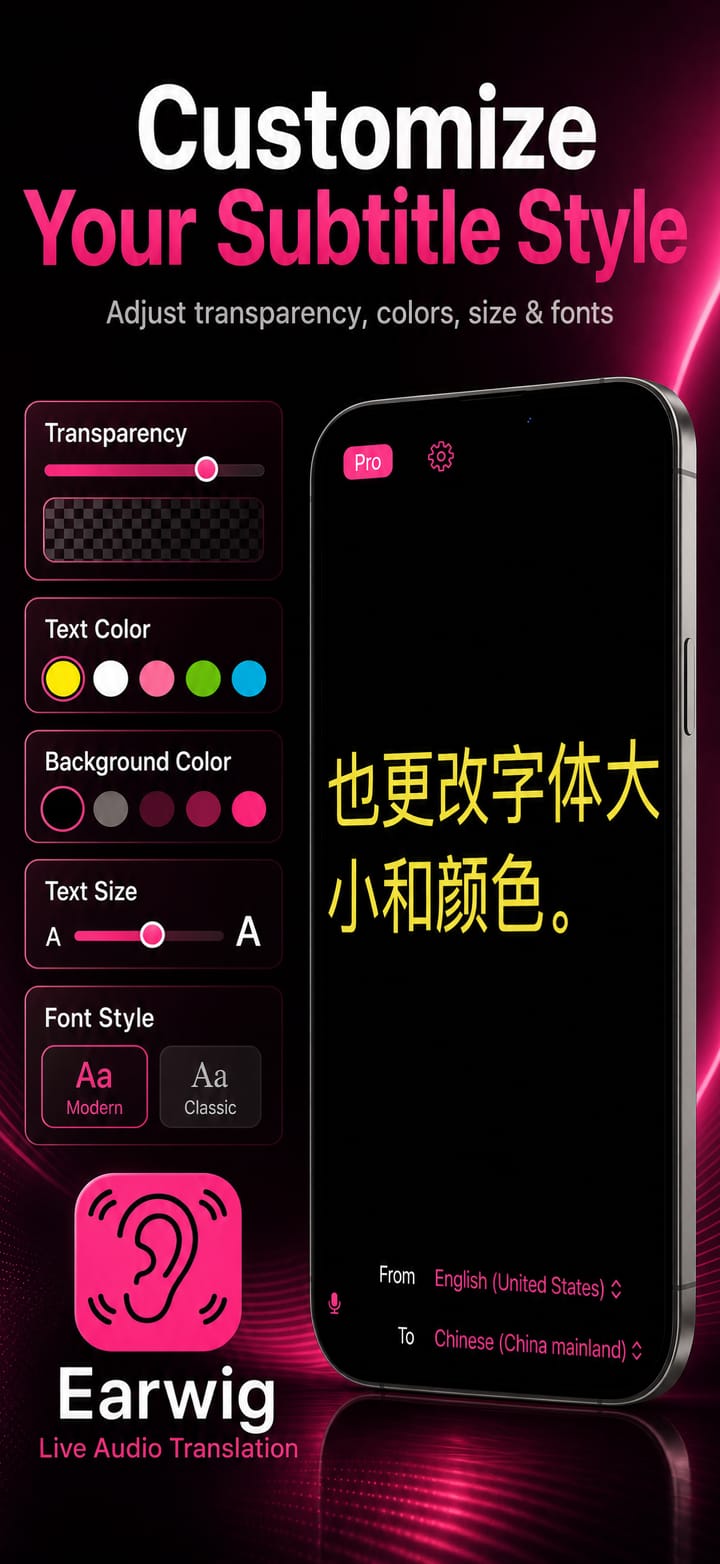
Dial in font size, text colour and background transparency until subtitles feel built right in.

Live subtitle generation

Subtitle generator & translator.

AI speech recognition turns spoken audio into clean, real-time captions.

  • On-the-fly translation

    Translate what you hear into the language you read, as it happens.

  • Audio from any app

    Capture and subtitle audio playing in any app on your device.

  • Many languages

    Recognise and translate across a wide range of supported languages.

  • AI speech recognition

    Fast, accurate transcription powered by modern on-device models.

Live subtitle generation

Earwig
Simple by designOpen it, point it at your audio, and read. No setup, no fuss.
A window per languageOn iPad and Mac, float several subtitle panels at once: one language each, side by side.
Style your captionsDial in font size, text colour and background transparency until subtitles feel built right in.
See it in action

Earwig up close.

Real moments from Earwig, captured on device.
Pricing

Try it free. Upgrade when you're ready.

One purchase covers both iOS and macOS. No account required.

Trial
Free

Try the full translator, free.

  • Full-featured
  • Subtitle & translate
  • Up to 60 seconds per session
Try it free
Shorts

Earwig in 30 seconds.

One feature per clip, straight from the app. Tap a card to play it with sound.

Live subtitles. Any language.

Watch YouTube in any language. Live.

Two languages. Same screen.

Every word, saved. Copy it anywhere.

Original below. Translation on top.

Questions

Good to know

Which apps does Earwig support for creating subtitles for the audio?
All of them. Earwig subtitles whatever your device is playing, whichever app is playing it, because it listens to the system audio rather than hooking into any particular app. It can listen to a microphone instead when the sound is in the room rather than on the device. Switch between the two with the audio-source icon at the bottom left of the subtitle window.
Does my audio get sent to the internet for processing?
No, processing occurs on your device.
Why does Earwig ask for screen capture permissions?
The way Earwig listens to audio from your device is to capture it from screen capture. Audio is the only thing processed by the capture, your screen data is not captured.
Should I use System Audio or a microphone?
Use System Audio when the sound is coming from the device itself: a video, a conference call, a podcast, a lecture recording. Earwig captures what your device is playing and ignores its own output, so the subtitles never feed back on themselves. Use a microphone when the sound is in the room: a person in front of you, a meeting, a talk. The icon at the bottom left of the subtitle window switches between them.
I declined the permission by mistake: how do I grant it now?
The subtitle window will tell you what is missing and offer a settings button that takes you straight to the right panel in System Settings. System audio needs Screen Recording on a Mac; listening to the room needs Microphone access. Grant it there and come back.
Do I need an internet connection?
Only the first time you use a language, to download its packs, which macOS handles. Once the speech pack for the language being spoken and the translation pack for the language you are reading are both installed, Earwig needs no network at all. That is what makes it usable on a plane or a bad hotel connection.
Get started

Ready to try Earwig?

Download it on the App Store and start in minutes, on iPhone, iPad and Mac.