TelepromptmeTeleprompter

The teleprompter app that keeps your eyes on the lens, never the script.

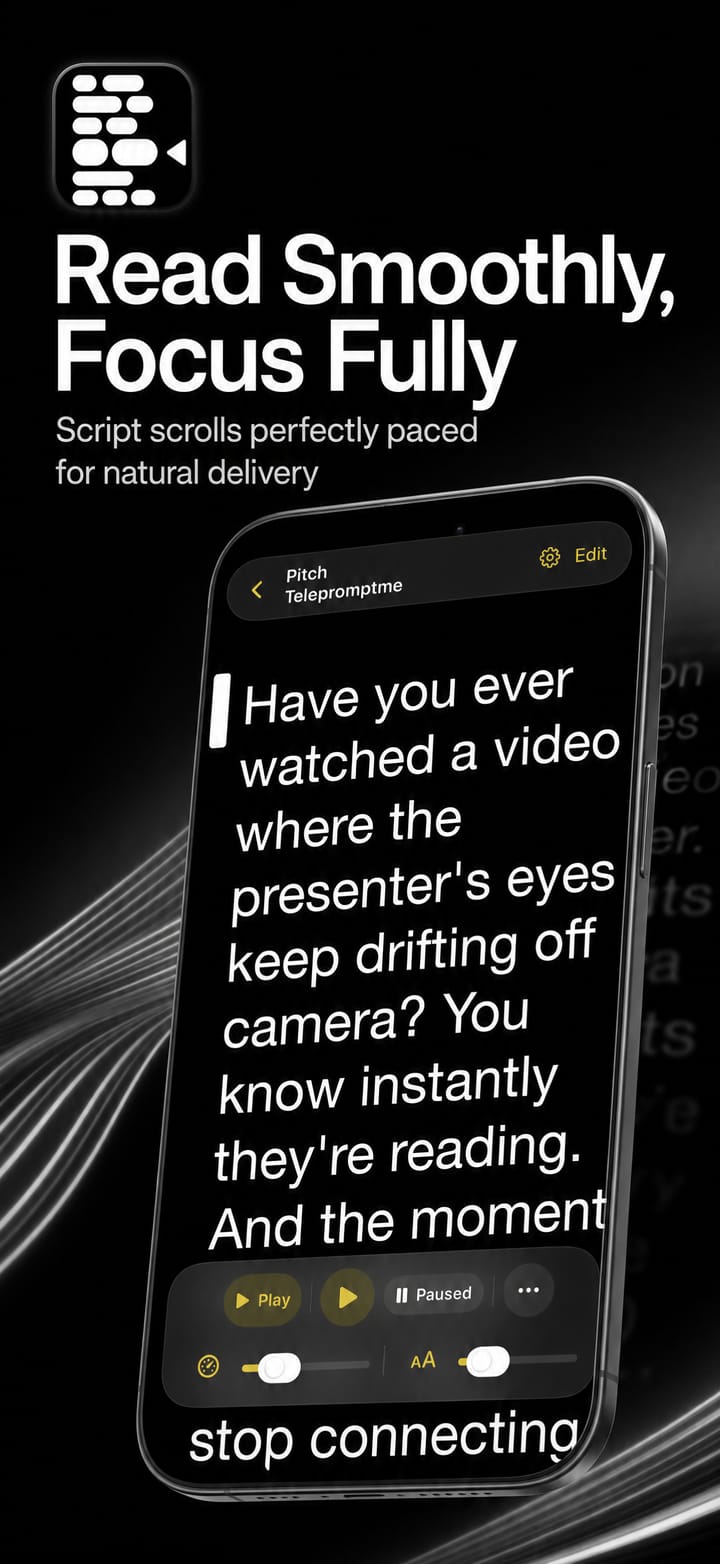
Telepromptme scrolls your script at a steady, perfectly-paced speed while you read, so you deliver every line looking straight down the lens. Record studio-grade video, add live captions and drive a full teleprompter rig, all from one app.

iOSmacOSUniversal purchase

4.4 · 33 ratings on the App Store

Record up to 4KEye-line accurateiCloud sync
Features

Everything you need, nothing you don't.

Telepromptme is focused, fast and refined, built to do one job beautifully.

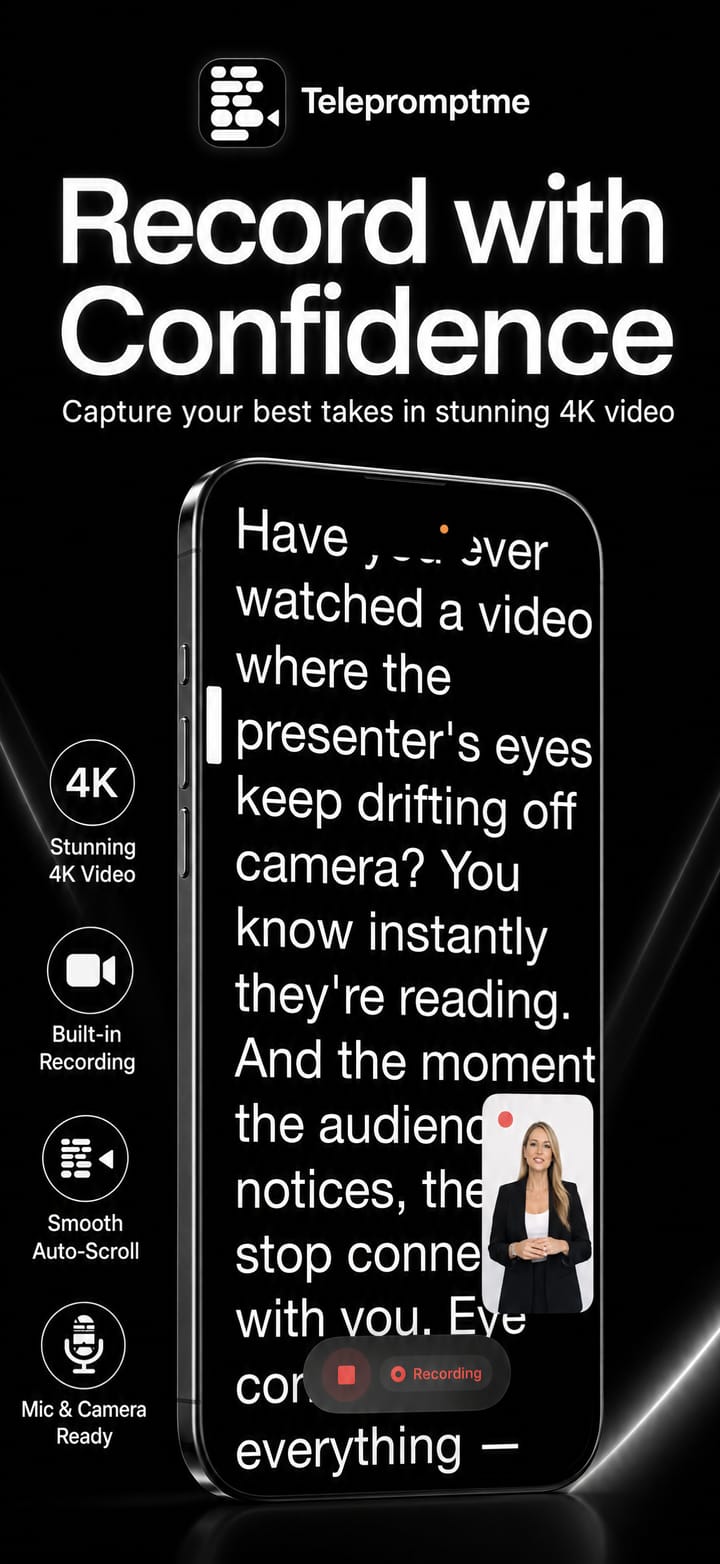
Smooth script scrolling

Auto-scroll at a speed you set, or pace the whole script to land in an exact time.
Record up to 4K

Capture your performance in crisp 4K straight from the app, no extra gear required.

Erase the background

Record your self view with the room lifted cleanly away, just you, studio-shot, no green screen required.

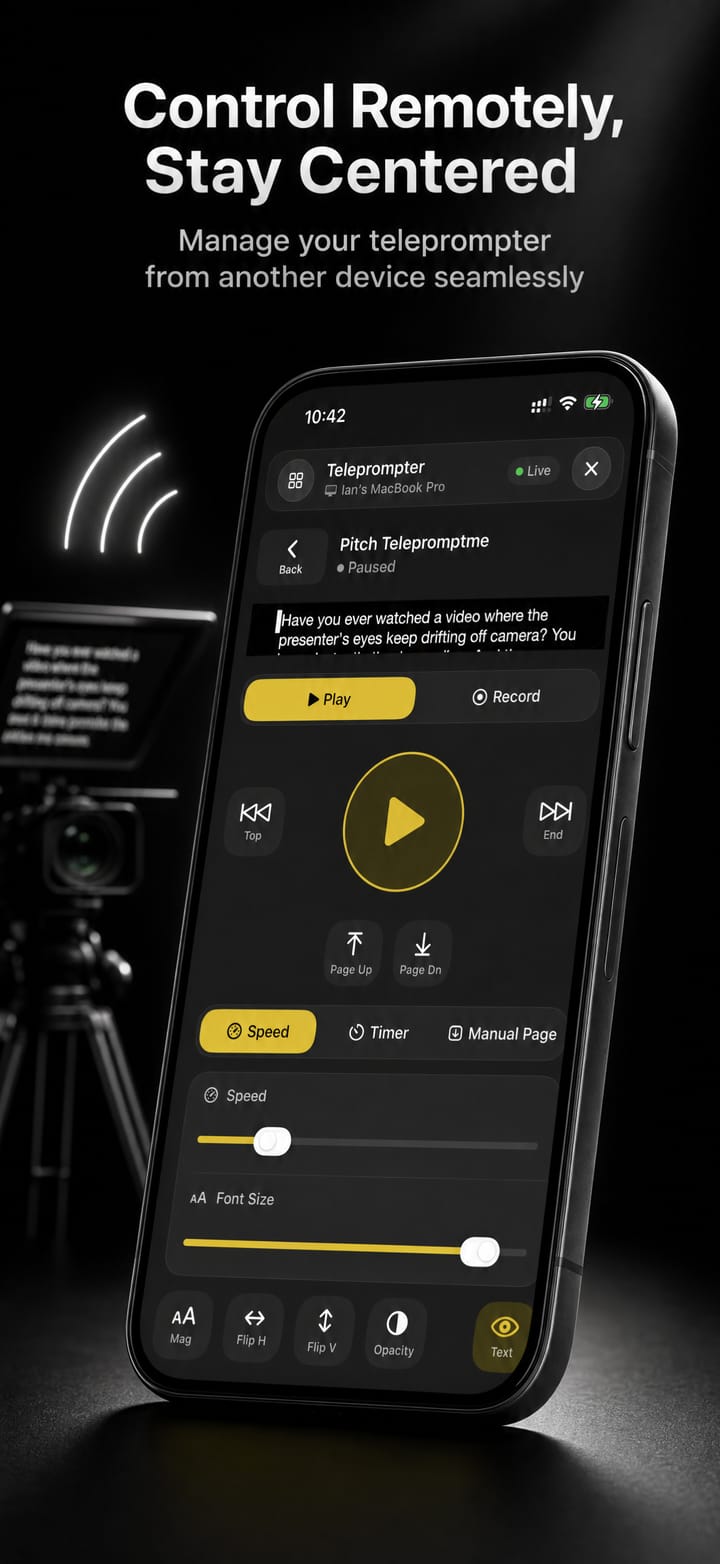
Remote control

Drive scrolling from a second device, another Telepromptme app or external hardware.

Automatic subtitles

Burn your script in as perfectly-timed captions on the finished recording.

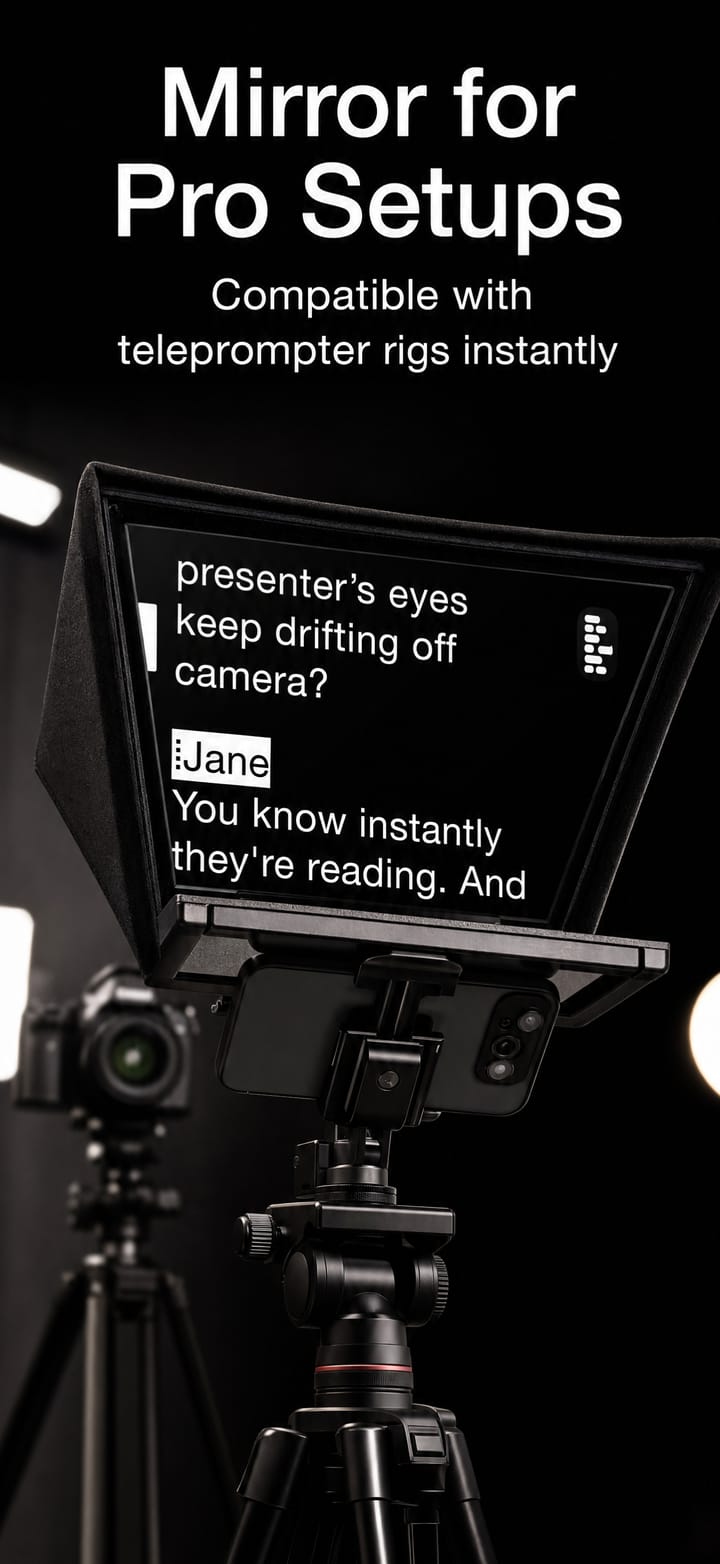
Mirror text & screen

Flip horizontally or vertically for beam-splitter teleprompter rigs.

macOS

Duplicate windows

Send a second scrolling window to an external display or monitor.

macOS

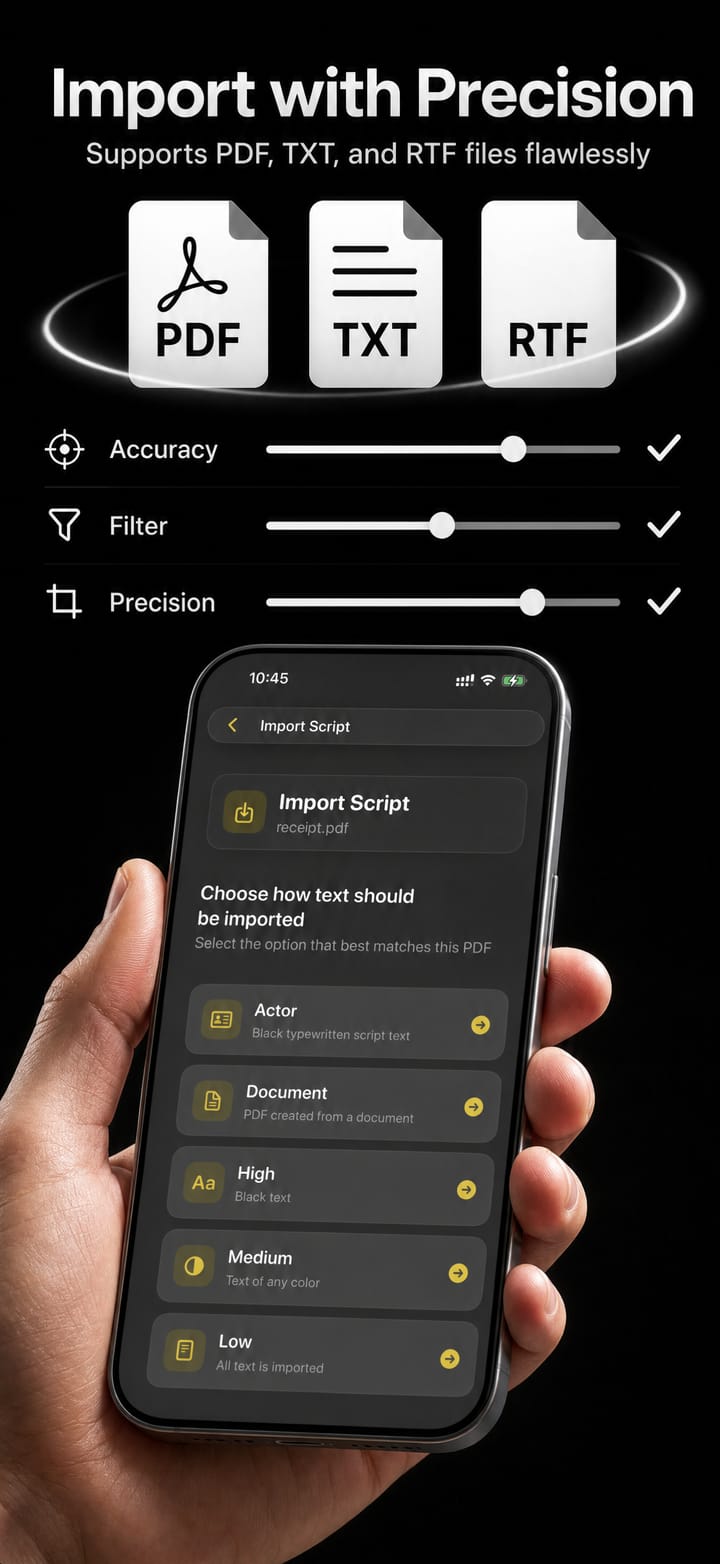
Import any script

Bring in PDF, RTF and TXT files and start reading in seconds.

iCloud sync

Your scripts follow you across iPhone, iPad and Mac automatically.

Video-conference overlay

A transparent background floats your script over Zoom, Teams and Meet.

macOS

Made for everyone

Tune speed, font size and margins, with a dedicated dyslexia-friendly mode.

Queue up the whole shoot

Line up multiple scripts to auto-play back-to-back, or loop one on repeat until the take is perfect.

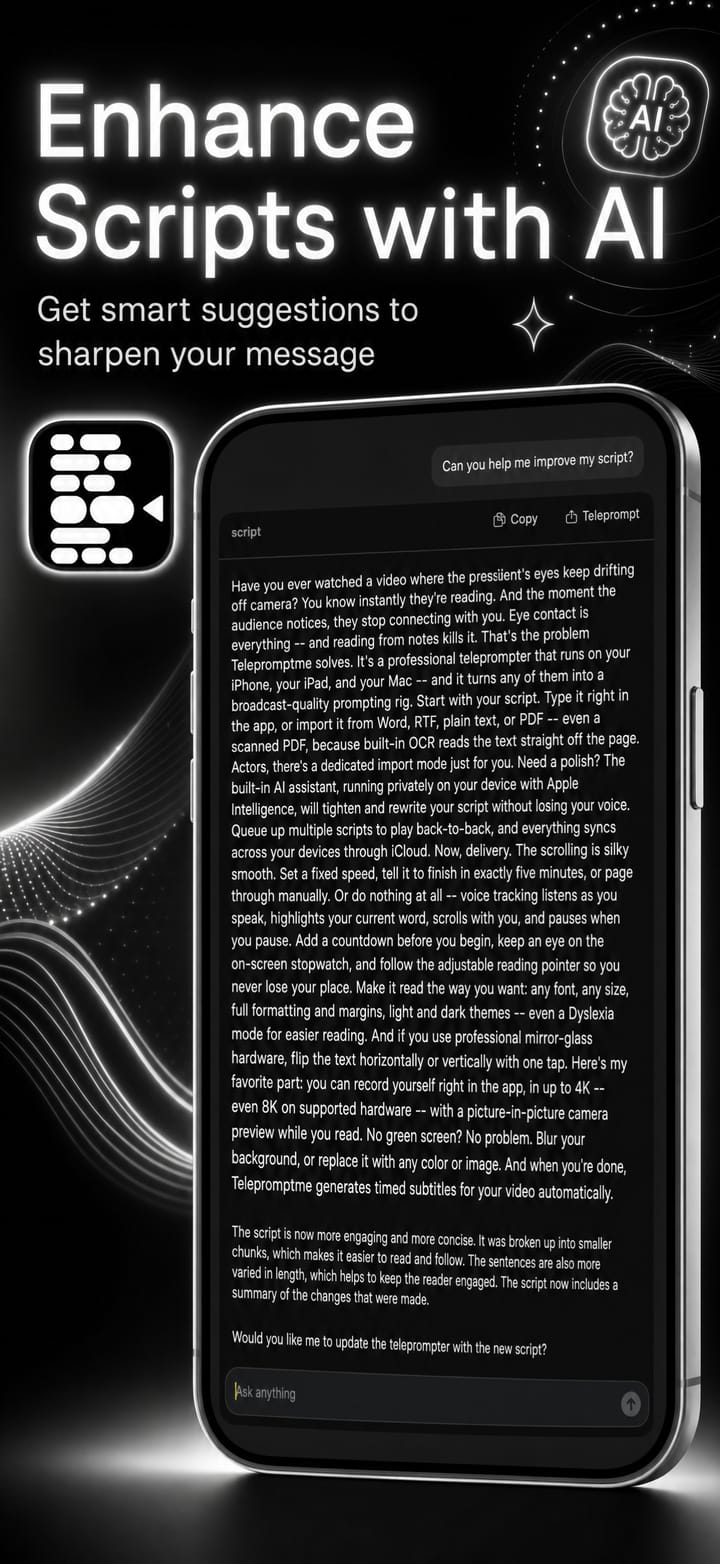
AI script polish

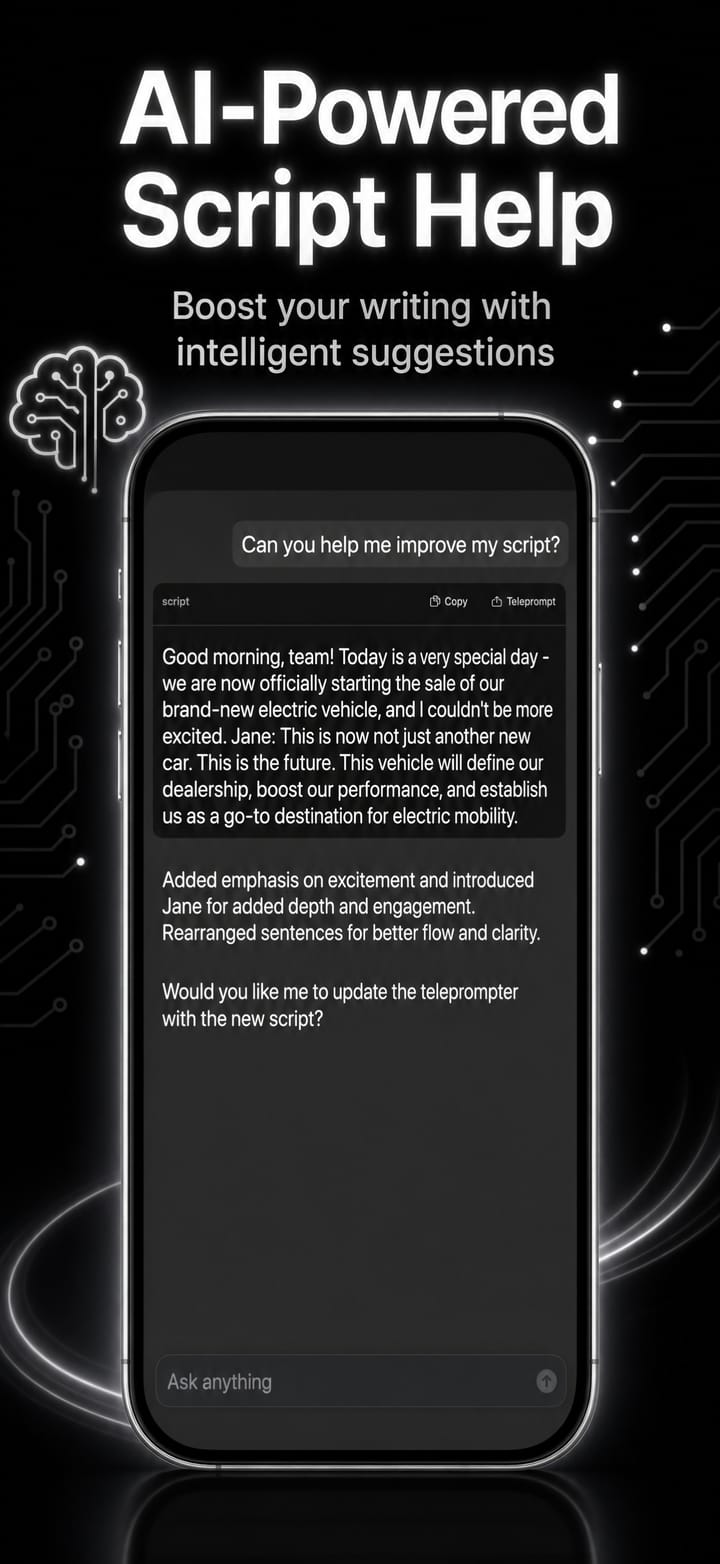
Tighten, shorten or punch up your words in a tap with Apple Intelligence: right inside the editor.

Even on Vision Pro

The very same prompter on iPhone, iPad, Mac, and Apple Vision Pro. Buy once, read anywhere.

Smooth script scrolling

Present clearly. Record confidently.

Auto-scroll at a speed you set, or pace the whole script to land in an exact time.

  • Record up to 4K

    Capture your performance in crisp 4K straight from the app, no extra gear required.

  • Erase the background

    Record your self view with the room lifted cleanly away, just you, studio-shot, no green screen required.

  • Remote control

    Drive scrolling from a second device, another Telepromptme app or external hardware.

  • Automatic subtitles

    Burn your script in as perfectly-timed captions on the finished recording.

Smooth script scrolling

Telepromptme
Mirror text & screenFlip horizontally or vertically for beam-splitter teleprompter rigs.
Duplicate windowsSend a second scrolling window to an external display or monitor.
Import any scriptBring in PDF, RTF and TXT files and start reading in seconds.
See it in action

Telepromptme up close.

Real moments from Telepromptme, captured on device.
“
The developer fixed everything and it is superb! The text editing enhancements are also wonderful!
Mac100 · ★★★★★ App Store review
Pricing

Try it free. Upgrade when you're ready.

One purchase covers both iOS and macOS. No account required.

Lite
Free

A free trial of everything, capped at 30 seconds a session.

  • Speed, Timer and Manual Page scrolling
  • Every feature unlocked, including captions, remote and Studio
  • Up to 30 seconds of play or recording at a time
  • One script, one recording, first page of a PDF
  • iPhone, iPad and Mac
Download free
Pro
$19.99 USDone-time

Unlimited prompting and recording. The production tools are in Pro Plus.

  • Everything in Lite, with the limits removed
  • Unlimited scripts and recordings
  • No time limit on prompting or recording
  • Full PDF import, every page
  • Video quality up to 8K
  • AI Assistant
  • iCloud script sync, text mirror, see-through window
  • One purchase covers iPhone, iPad and Mac
Get Pro

Compare plans

Lite is a free trial of everything, capped per session. Pro removes the caps. Pro Plus is the only plan that keeps the production tools.

FeatureLiteProPro Plus
Prompting
Speed, Timer and Manual Page scrollingSet a pace, finish in an exact time, or turn pages yourself.Speed, Timer and Manual Page scrolling: includedSpeed, Timer and Manual Page scrolling: includedSpeed, Timer and Manual Page scrolling: included
Scripts you can keepHow many scripts can live in your library at once.OneUnlimitedUnlimited
Session lengthHow long one run of prompting or recording can last.30 secondsUnlimitedUnlimited
Import a scriptBring in text, rich text, PDF, and Word files on a Mac.First PDF pageEvery pageEvery page
Text mirroringFlip the words for a beam-splitter teleprompter rig.Text mirroring: includedText mirroring: includedText mirroring: included
See-through windowFloat the script over Zoom, Teams or Meet.See-through window: includedSee-through window: includedSee-through window: included
AI AssistantDraft or tighten a script, on an Apple Intelligence device.AI Assistant: includedAI Assistant: includedAI Assistant: included
iCloud script syncYour scripts follow you across iPhone, iPad and Mac.iCloud script sync: includediCloud script sync: includediCloud script sync: included
iPhone, iPad and MacOne purchase covers every Apple device you own.iPhone, iPad and Mac: includediPhone, iPad and Mac: includediPhone, iPad and Mac: included
Recording
Record video and audioCapture yourself reading, in quality up to 8K.30 secondsRecord video and audio: includedRecord video and audio: included
Recordings you can keepHow many takes can live in your library at once.OneUnlimitedUnlimited
Camera backgroundReplace the room behind you with a blur, colour, image or video.TrialCamera background: not includedCamera background: included
Camera filtersTwelve looks applied live as you record.TrialCamera filters: not includedCamera filters: included
Editing and captions
Automatic captionsSubtitles from your script or from the recorded audio.TrialAutomatic captions: not includedAutomatic captions: included
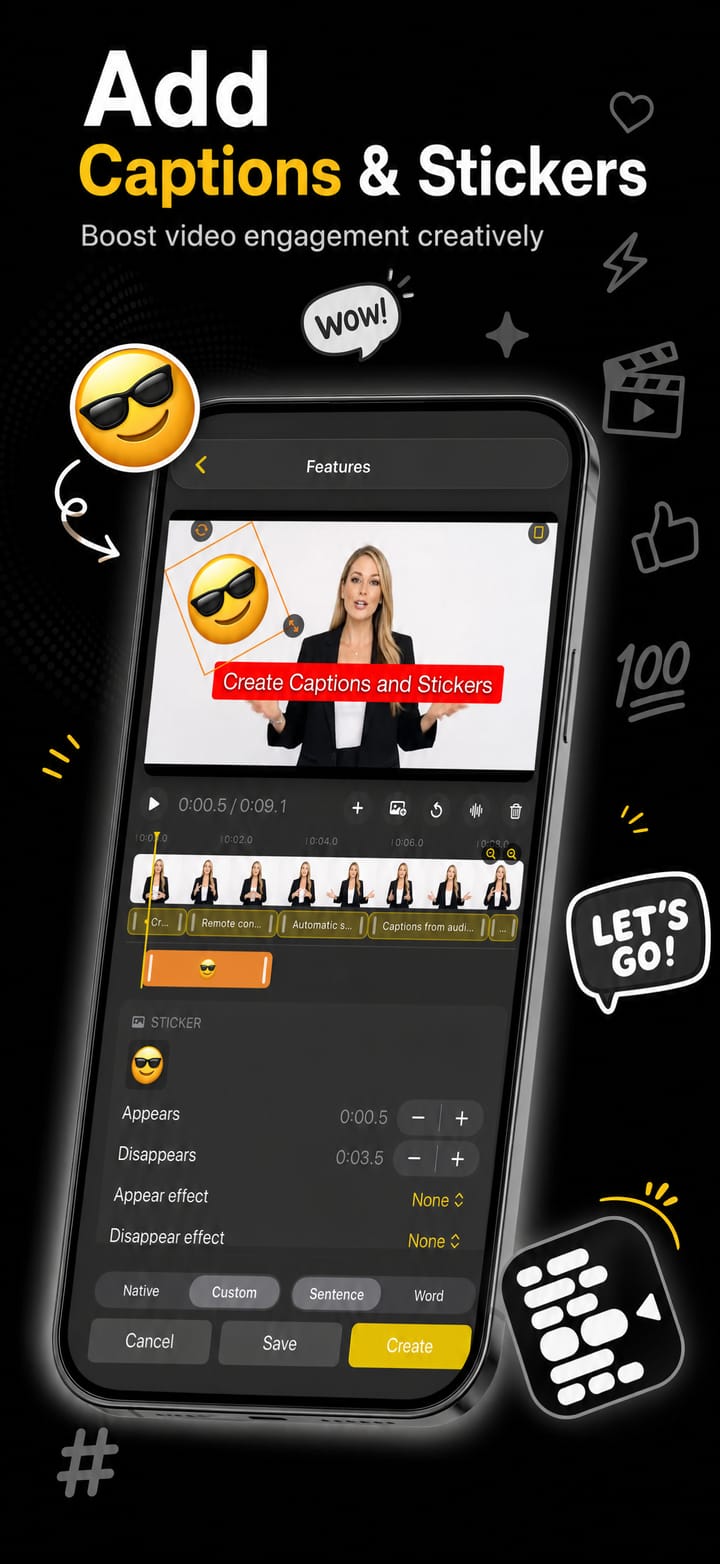
Captions and stickersStyle, place and animate captions; add image overlays.TrialCaptions and stickers: not includedCaptions and stickers: included
Studio editing toolsMulti-track timeline: speed, music, colour, volume automation.TrialStudio editing tools: not includedStudio editing tools: included
Video filtersApply a look to a finished recording.TrialVideo filters: not includedVideo filters: included
Video stabilisationSmooth out a handheld or knocked camera.TrialVideo stabilisation: not includedVideo stabilisation: included
Studio and stage
Remote control and Apple WatchDrive the prompter from another device, or from your wrist.TrialRemote control and Apple Watch: not includedRemote control and Apple Watch: included
Duplicate prompter windowsMacSend a second scrolling window to another display or rig.TrialDuplicate prompter windows: not includedDuplicate prompter windows: included
Whole-screen mirroringMacMirror the whole screen to a second monitor, flipped if needed.TrialWhole-screen mirroring: not includedWhole-screen mirroring: included

Trial means the free plan can use it, within the session cap. It is not a countdown, and it is not included in Pro.

Shorts

Telepromptme in 30 seconds.

One feature per clip, straight from the app. Tap a card to play it with sound.

No green screen. No problem.

Your script becomes your captions. Automatically.

Got exactly 60 seconds? Make the script fit.

Record yourself while you read. One app.

Got a teleprompter rig? Flip it.

Send your script to any screen.

Singing a set? Queue your scripts.

Shooting for TikTok on a Mac? Check your crop first.

Read your script over video conference. Nobody knows.

Built for dyslexic readers.

One recording. Every platform.

Turn any PDF into a teleprompter script.

Let Apple Intelligence punch up your script.

Video backgrounds. Stickers. Live, while you record.

There's a whole video editor inside.

Write it on your Mac. Read it on your iPhone.

Move yourself anywhere in the frame.

Word pop. Word highlight. Your captions, your style.

A teleprompter that floats over any app.

Questions

Good to know

How do I access the AI Assistant?
Open your script and press the edit button at the top right: you'll then see a 'wand' icon at the bottom left of the screen which opens the AI Assistant. Open it with a script loaded and it offers to improve what you have; open it with nothing loaded and it will help you write one from scratch. On a long script it works section by section, and you always get to accept or reject a suggestion before it replaces anything. Note: the AI Assistant is only available on devices capable of Apple Intelligence with it enabled, and it is not available in the DualScroll app.
What file formats are supported for import?
Plain text (.txt), rich text (.rtf) and PDF import on every device. On macOS, Word documents (.doc and .docx) import as well; on iPhone and iPad they do not, so use Word or Pages to save those as .txt or .rtf first. You can also drag files straight onto the script library: drop several text or rich text files at once and each is added as its own script, named after the file.
Why are there different options for importing PDF files?
PDF files are funny things: they may look like text when you view them, but they can actually be images or other objects that make the text hard to extract. There are five filter types to pull the text out whatever the format. Ideally the Document type gets the text; if that doesn't capture everything, try one of the other options.
My PDF import only brought in the first page.
That is the free plan's limit: on Lite a PDF import keeps the first page only. Upgrading removes it and the whole document comes in. If the whole document imported but text is missing from some pages, that is a different problem, try one of the other PDF filter types instead.
I've been asked to make a 60-second video: how do I set a specific time to scroll for?
Set a timer for any amount of time and your script scrolls from top to bottom in exactly that time. Remember: a long time with a short script scrolls slowly, and vice versa, so make sure your script is long enough. Select Timer mode at the bottom left of the teleprompter screen (tap the scroll-mode icon to change it), tap the clock to set the duration, then press play or record.
What is the difference between Speed, Timer and Manual Page?
They are the three ways the script can move, and you pick one with the scroll-mode button at the bottom left of the teleprompter. Speed scrolls continuously at a pace you set with a slider, and is the one to use for most talking-to-camera work. Timer scrolls the whole script from top to bottom in an exact duration, which is what you want when the finished piece has to run to time. Manual Page does not scroll at all: it moves a page at a time when you press a key or a remote button, which suits news reading and anything where you do not know how long a section will take. Telepromptme has no voice-following mode; if you want the script to follow your speech, that is our Autoprompt app.
Get started

Ready to try Telepromptme?

Download it on the App Store and start in minutes, on iPhone, iPad and Mac.

4.4 · 33 ratings on the App Store