Pen & highlighter
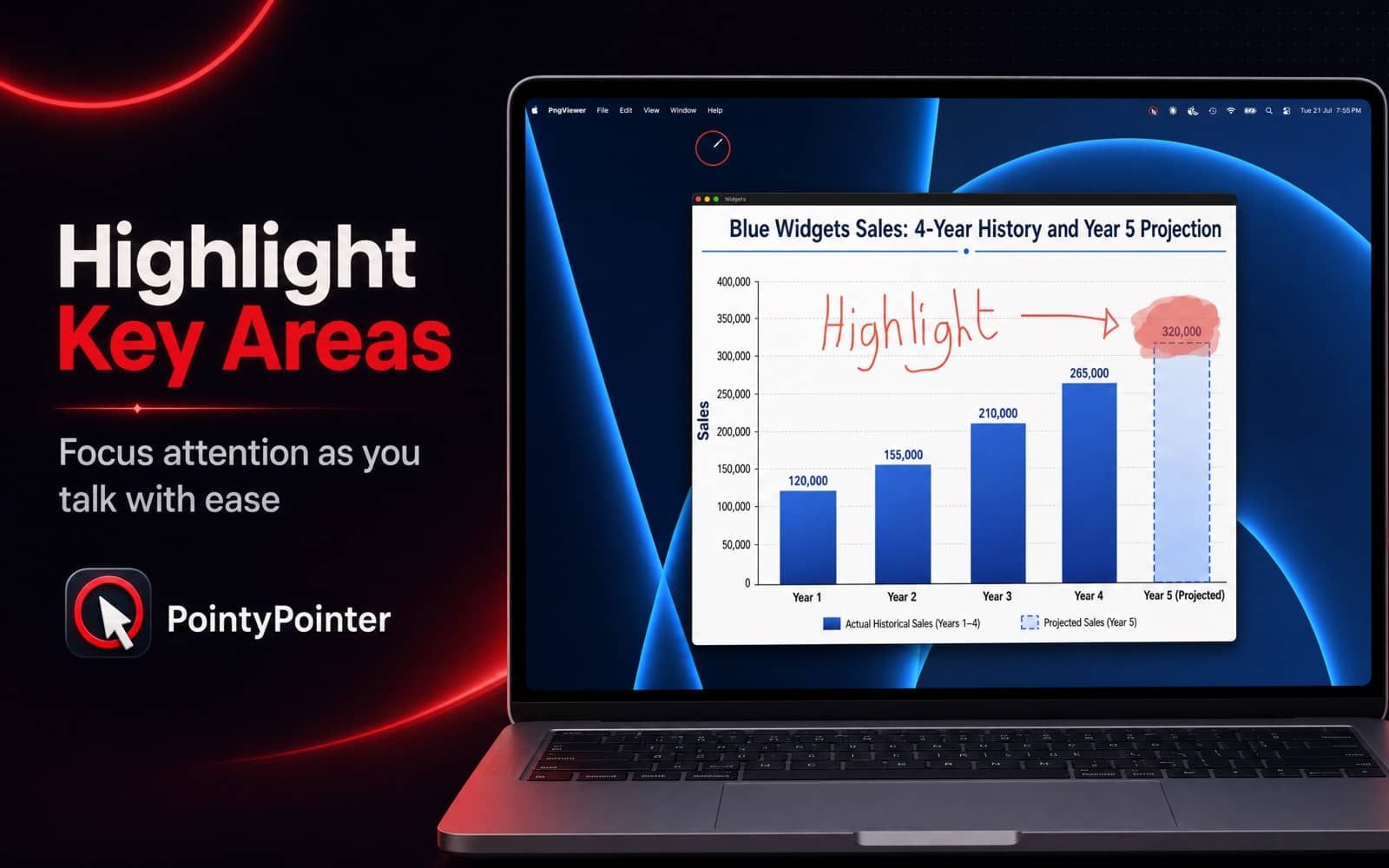
Draw precise lines or sweep a highlighter across anything on screen to underline exactly what matters.
 Telepromptme
 Autoprompt
 DualScroll
 Narrate
 Lightboard ProOnline teleprompterFree, basic web version
 Earwig
 ChatterFish
 PointyPointer
 intunerProductivity
PointyPointer turns your Mac's cursor into a bold, unmissable pointer and puts a pen and highlighter right on your screen. Perfect for keynotes, teaching, demos and screen recordings: your audience always knows exactly where to look.
PointyPointer is focused, fast and refined, built to do one job beautifully.
Draw precise lines or sweep a highlighter across anything on screen to underline exactly what matters.
Dial in the size, colour and opacity of the cursor overlay until it fits your slides and your style.
Give the pointer and your strokes a glowing edge that stays visible on any background.
Overlays follow your cursor across all connected screens automatically: projector included.
Select, move or delete marks after you've drawn them, so the screen stays polished mid-presentation.
A transparent overlay that floats quietly above your apps and sips system resources.
No accounts, no analytics, no data collection, just one Accessibility permission to draw the overlay.
Draw precise lines or sweep a highlighter across anything on screen to underline exactly what matters.
Dial in the size, colour and opacity of the cursor overlay until it fits your slides and your style.
Give the pointer and your strokes a glowing edge that stays visible on any background.
Overlays follow your cursor across all connected screens automatically: projector included.
Select, move or delete marks after you've drawn them, so the screen stays polished mid-presentation.
Real moments from PointyPointer, captured on device.



Free on the Mac App Store. No account, no subscription.
Every feature included. No catches.
Download it on the Mac App Store and start in minutes.